
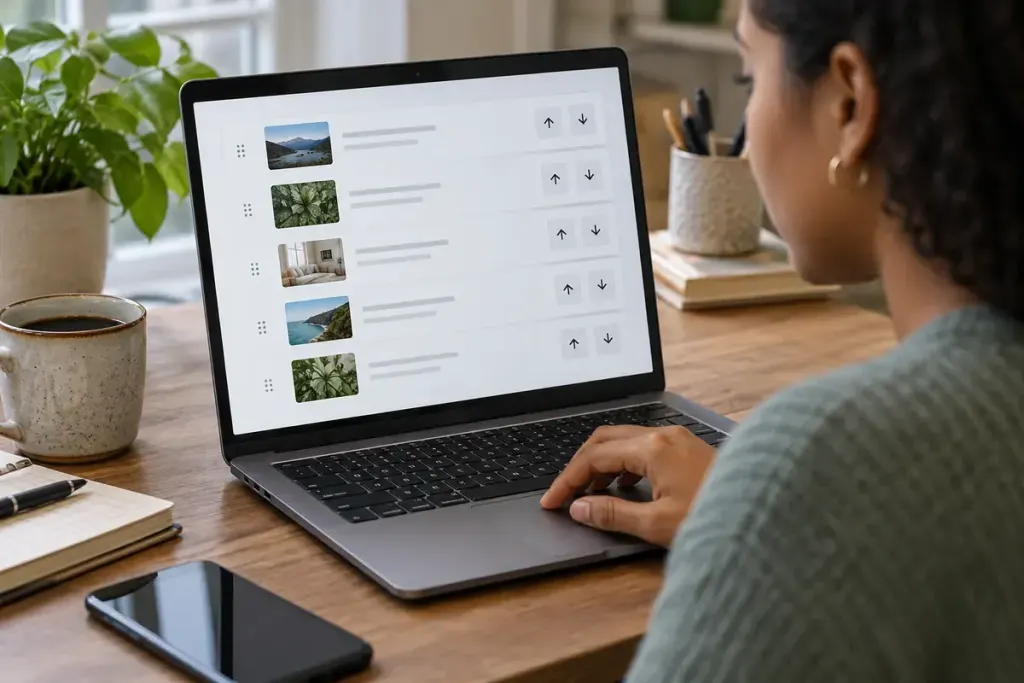
A task board lets users drag a card into another column. That may be convenient with a mouse, but it can be difficult for someone who cannot hold and move a pointer accurately. The action needs another usable route.
W3C’s explanation of WCAG 2.2 Success Criterion 2.5.7 describes an alternative using a single pointer without dragging, subject to its stated exceptions. Keyboard accessibility is also important, but a keyboard-only shortcut does not automatically provide the required non-dragging pointer alternative.
Offer the destination as a choice
For an illustrative task board, each card could have a “Move to” button that opens a list of columns. The user selects a destination and confirms. For reordering a short list, move-up and move-down buttons can provide another pattern. Choose the control that matches the actual task rather than adding every option.
Test whether the alternative produces the same result, including saved order and any side effects. A button that visually moves a card but fails to update the stored position is not an equivalent route.
Give controls meaningful accessible names and a sensible focus sequence. After a move, make the new position understandable without requiring users to hunt across the screen. Undo can be helpful when an unintended move is easy to make.
Run a practical test with dragging deliberately unused. Can someone select an item, choose a destination, confirm the result, and correct a mistake with taps or clicks? Then test keyboard operation separately.
The alternative should be visible enough to discover during ordinary use. Accessibility is not served by a hidden instruction that only explains how to perform the original difficult gesture more carefully.