
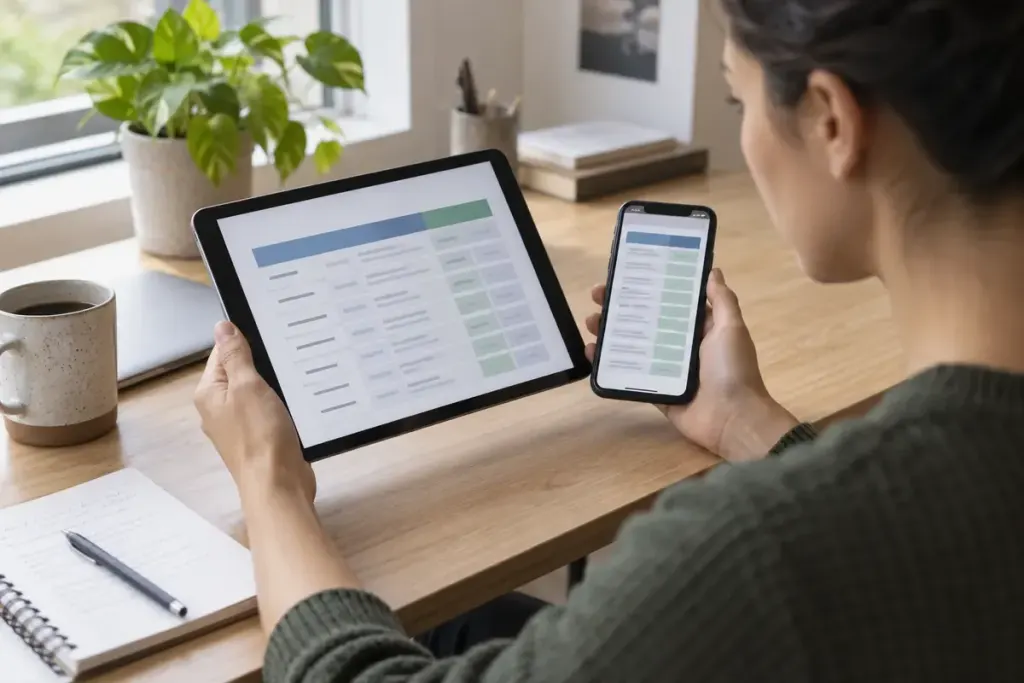
A comparison table fits beautifully on a laptop and becomes tiny on a phone. Reducing the font until all eight columns fit may remove the horizontal scroll bar while making the information harder to use.
Start with the task the table supports. Readers may need to compare several values across a row, follow one column or inspect a particular item. The right small-screen treatment should preserve that task.
Keep the relationships visible
Use meaningful row and column headings and a caption that identifies the table. The W3C table tutorial explains captions and summaries, while the W3C Design System shows an approach to tables that need horizontal scrolling.
If you allow scrolling, make it discoverable and usable by keyboard as well as touch. Keep the surrounding page from becoming unnecessarily wider than the screen. A table can scroll within a deliberate region without forcing the entire article sideways.
Do not turn cells into unrelated cards
A stacked layout may work for some records, but each value still needs its label. Test whether a reader can compare the same attribute across items without memorising several screens of text.
For an invented example, a pricing table containing plan name, monthly cost and included users needs the unit and billing basis to travel with the value. A bare “20” is ambiguous if its heading disappears in the mobile layout.
Consider whether some columns are unnecessary for the primary task. Removing genuinely redundant information is different from hiding essential conditions merely to improve the screenshot.
Test with awkward content
Use long names, large numbers, missing values and translated text. Increase text size and navigate without a mouse. Check that focus remains visible and that screen-reader users can identify the relationships between headings and cells.
Ask someone to answer a realistic question from the table on a phone. If they can see every cell but cannot establish which value belongs to which item, the layout has not solved the problem. Readability is about relationships as well as pixels.