
Accessible Interface Design
An Error Summary Should Take the Visitor Back to the Field
Connect form error summaries to the fields that need correction, keep the wording consistent, and test keyboard focus instead of checking red styling alone.

Web design and digital-business ideas grounded in real tasks.
Connect form error summaries to the fields that need correction, keep the wording consistent, and test keyboard focus instead of checking red styling alone.

Mark required form fields clearly in visible labels and programmatic information, then keep optional questions genuinely optional.

Make links that open a new tab predictable with a clear advance cue, then test the behaviour with keyboard and assistive-technology users in mind.

Set the HTML page language to match the published text, check translated pages individually and distinguish language metadata from automatic translation.

Decide what belongs behind an accordion, label each section clearly and test keyboard operation before relying on collapsed content.
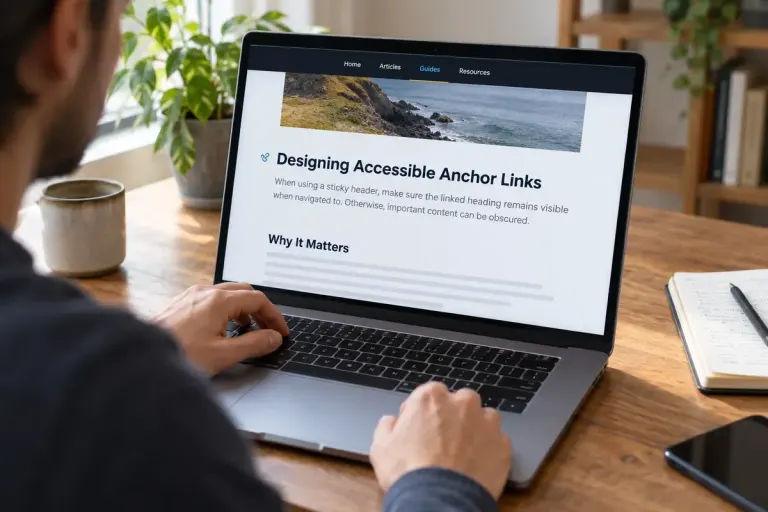
Keep in-page headings visible beneath a sticky header, then test fragment links, keyboard focus and zoom rather than relying on one desktop screenshot.

Design contact-form errors that explain what went wrong, preserve the user’s work and provide a clear route to correction or another contact method.