
Practical Web Design
A button inside a link creates competing actions
Nesting a button inside a link creates conflicting interactive controls. Separate navigation from actions so a card works predictably with mouse and keyboard.

Web design and digital-business ideas grounded in real tasks.
Nesting a button inside a link creates conflicting interactive controls. Separate navigation from actions so a card works predictably with mouse and keyboard.
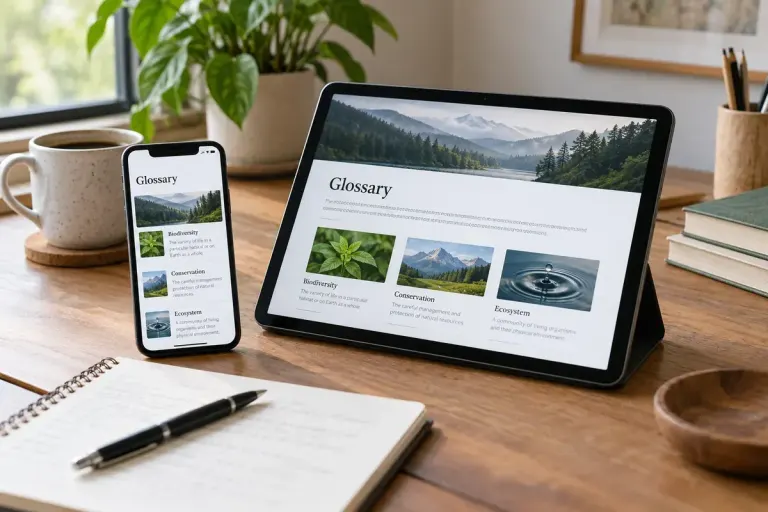
Make abbreviations understandable in visible text instead of relying only on hover tooltips that may be unavailable on touch screens or assistive technology.

A control’s HTML should match what it does. Use links for navigation and buttons for actions, then verify keyboard behaviour and accessible names.