
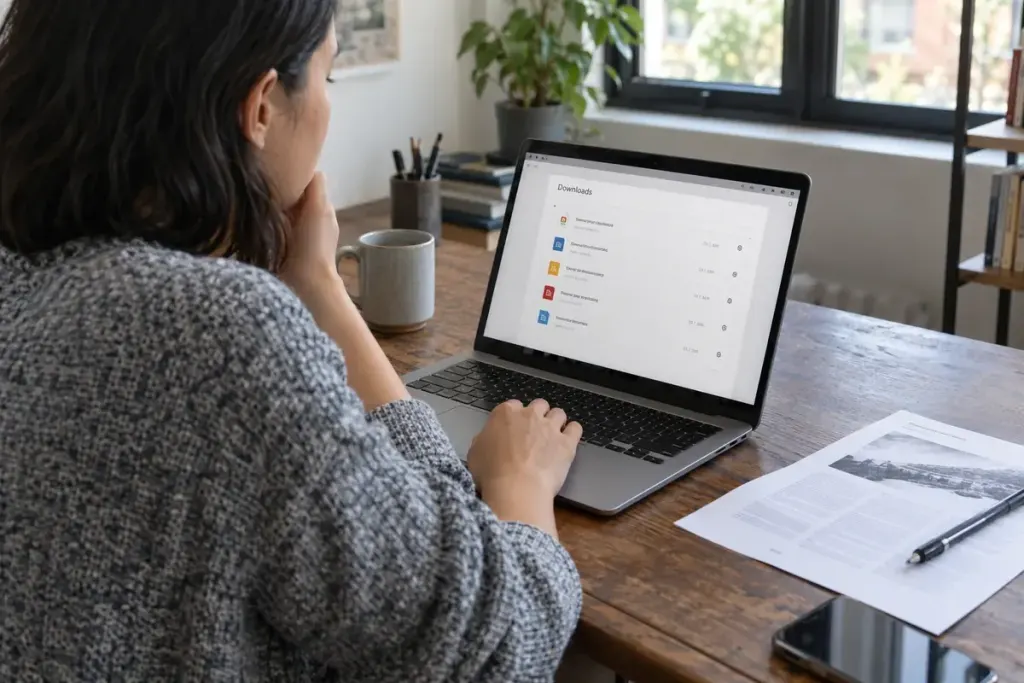
A link labelled “Download” asks the visitor to make a small gamble. Is it a one-page PDF, a spreadsheet, or a large archive? Will it open in the browser or require another application? A few words beside the link can answer those questions before the click.
Start with a meaningful document title. “Workshop timetable” tells someone what the file contains. Add the format and, where useful, the approximate size. That information helps people on limited connections or devices without suitable software decide how to proceed.
Make the description match the actual file
Check the downloaded asset, not only its filename. A file renamed with a new extension has not necessarily changed format. If the document is updated, revise the visible date or version where it matters and remove misleading references to the old edition.
For example, “Workshop timetable, PDF, 240 KB” is a clear label for a fictional small PDF. Use real size information on a live page. Do not copy a number from an earlier file merely to preserve the design.
Explain extra steps only when they matter
If access requires an account, say so before the visitor starts. If the link goes to another organisation’s page rather than directly to a file, describe that destination accurately. A button should not promise an immediate download and unexpectedly lead into a registration process.
Where possible, offer essential information in the page itself as well as in a document. The file may be useful for printing or offline reference, while a readable web version serves someone who only needs a date or instruction.
Test the link on a phone and with keyboard navigation, then inspect the downloaded file. A polished label cannot compensate for an inaccessible or incorrect document. The aim is a predictable journey: the visitor understands what is offered, chooses it deliberately, and receives the file the page described.