Accessible Design
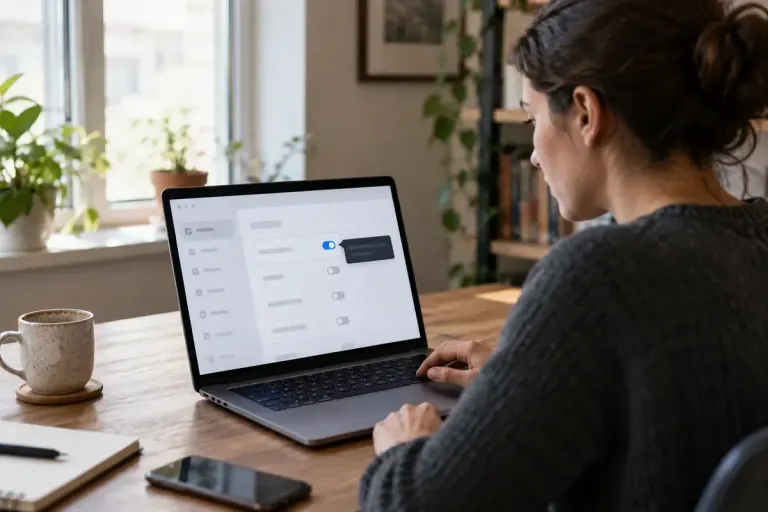
A hover tooltip should stay open when the pointer moves onto it
A tooltip that disappears when the pointer reaches it can be hard to use. Review hover, keyboard focus, dismissal and persistence together when designing help text.

Web design and digital-business ideas grounded in real tasks.
A tooltip that disappears when the pointer reaches it can be hard to use. Review hover, keyboard focus, dismissal and persistence together when designing help text.
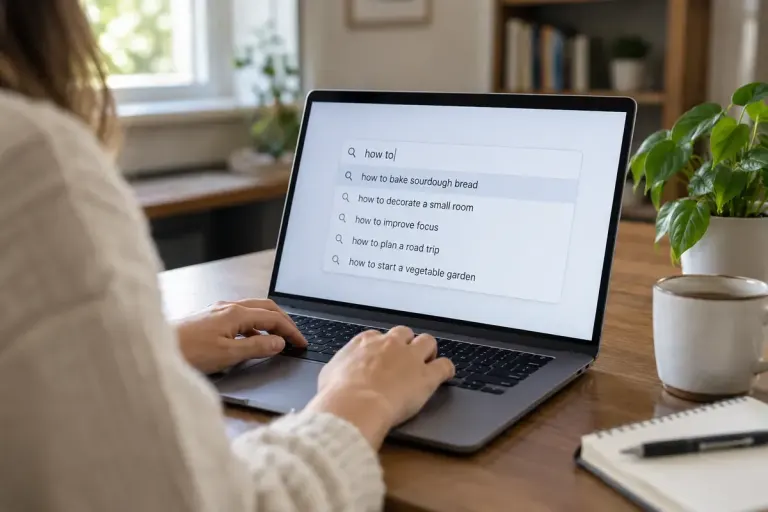
Search suggestions need predictable keyboard behaviour and clear focus. Test typing, choosing, dismissing and leaving the control before calling it accessible.

Mark a genuine language change with HTML lang on the relevant passage. This helps assistive technology interpret multilingual content without changing the page’s main language.
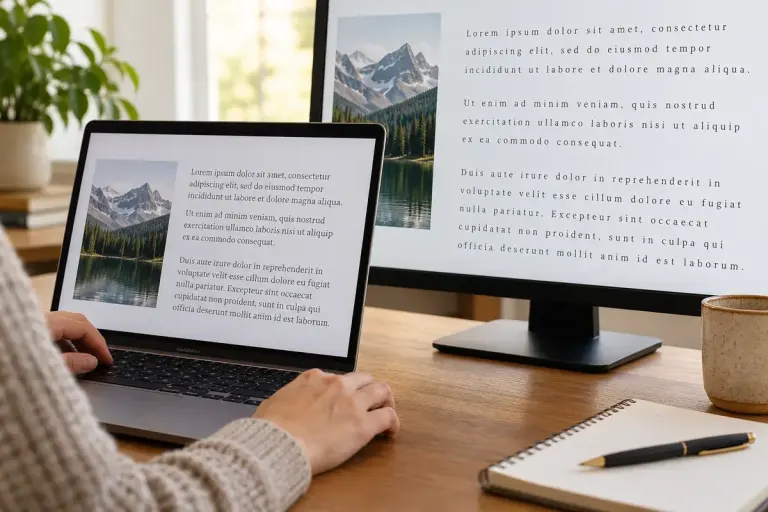
Test whether a web page keeps its text and controls usable when readers increase spacing, including cards, navigation and form messages.

A visible icon and its clickable area need not be the same size. Give compact controls enough space for touch while keeping their labels and focus behaviour clear.

Give screen-reader users a concise cart update with a correctly scoped status region, then test repeat changes without moving keyboard focus.
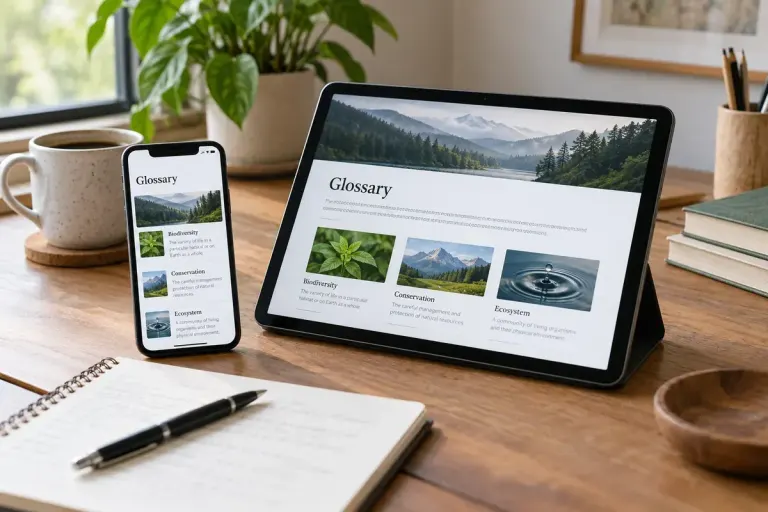
Make abbreviations understandable in visible text instead of relying only on hover tooltips that may be unavailable on touch screens or assistive technology.

A meaningful HTML table caption identifies the data before readers navigate its cells. Keep it specific and connect it to the table itself.
Give browsers a useful responsive-image choice by matching sizes to the real layout and testing the selected resource at different viewports.